30-day free trial · no account · Windows

Own the AI.
Keep your data private.

OwnAI is a local-first workspace with 160+ agent tools, long-term memory, RAG with sources, jobs, MCP, skills, and connectors for calendar, cloud drive, and email — plus unlimited local 3D, voice, and music generation. A Chrome plugin for browser automation and Discord for your phone are included. Optionally, you can use the latest AI models for text, image, music, and video generation via OpenRouter, with sensitive data anonymized first.

  • 30-Day Free Trial
  • One-Time Payment
  • No Subscription

OwnAI in Action

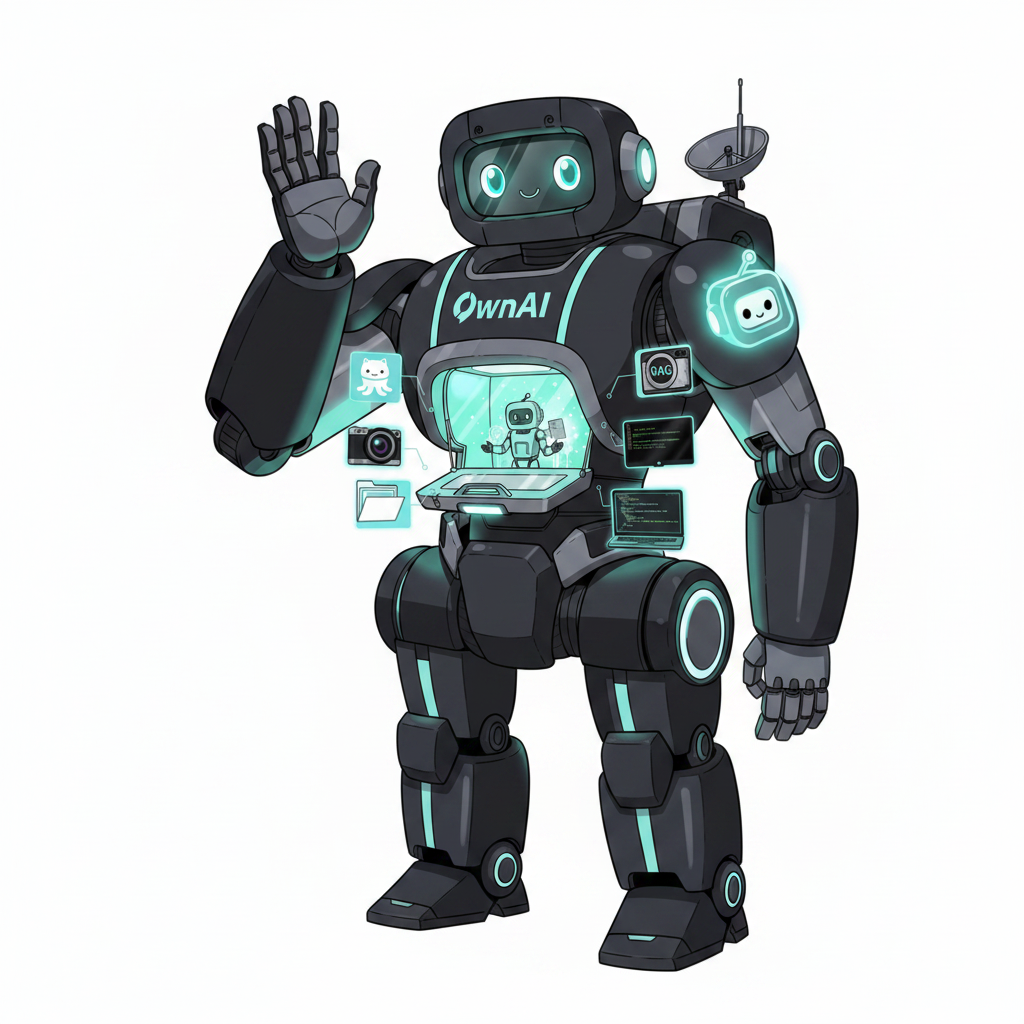
OwnAI harness with AI

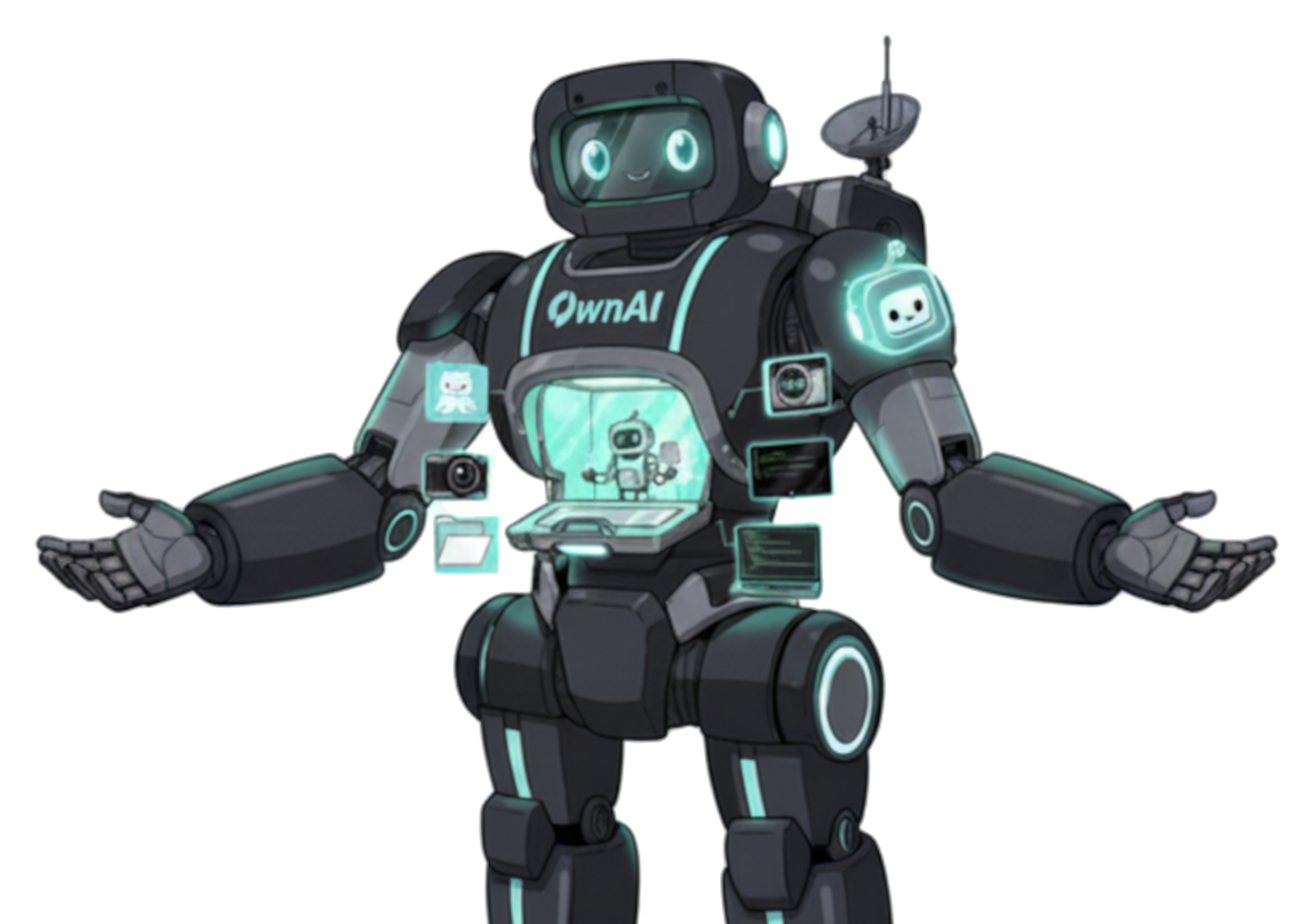
160+ agent tools

Edit code, run tests, manage Git (MinGit is bundled), query RAG, generate Office files, and talk to MCP servers — all from Agent mode, with confirmations you control. The Chrome plugin and Discord from your phone are in the same workspace.

Local-first · 160+ tools · Optional cloud · One-time license

OwnAI vs Cursor, Codex, Hermes, OpenClaw & DeepSeek Harness

One Windows workspace you own — chat, RAG, coding agent, Office, 3D, music, Chrome plugin, and Discord from your phone. The others cover a slice.

Advantage OwnAI Cursor Codex Hermes OpenClaw DeepSeek Harness
What you get Full local-first workspace: chat, RAG, 160+ agent tools, Office, 3D, music AI code editor Cloud / CLI coding agent Server agent harness Messaging gateway Plugin agent runtime (dsh)
Price 30-day trial, then 9.99 € once — no subscription Monthly IDE subscription ChatGPT / API subscription Free software + ongoing API bills Free software + ongoing API bills Free OSS + your own model / API
Privacy Local-first by default. Files stay on your PC. Cloud is opt-in and can anonymize secrets Cloud models by default Prompts go to OpenAI Self-host; models often via APIs Self-host; models often via APIs Self-host; model is a plugin (local or API)
Setup Windows installer, GUI, no account Install IDE and sign in CLI or ChatGPT account Python / server setup Gateway, channels, DIY config Node CLI / web UI, developer preview
Coding agent 160+ native tools, Plan mode, guardrails, skills, Git, tests, MCP, MinGit bundled Strong in-IDE agent Cloud / CLI coding agent Server harness, not an IDE Messaging gateway, not an IDE Plugin loop — assemble tools yourself
Settings 300+ options: system prompt, history size, guardrails, themes, and more IDE preferences CLI flags / ChatGPT settings Config files Gateway config Plugin / config files
Agent monitor Every agent step and model thought shown in detail Tool calls in the chat CLI / log output Logs / TUI Dashboard logs Session event log, not a GUI thought monitor
RAG & memory Local RAG with sources + editable long-term memory Codebase index in the IDE Session / cloud context Persistent agent memory Memory in the gateway Session log, not a RAG workspace
Connectors Gmail, Calendar, Drive, Outlook, OneDrive built in — no extra MCP MCP / extras Plugins / APIs DIY tools Chat channels (WhatsApp, Telegram, …) DIY plugins
Live browser Chrome plugin: side panel + live tab control In-editor / MCP browser Cloud browser tools Optional browser tools Optional browser tools Optional browser plugin
From your phone Discord Bridge steers the same desktop OwnAI — ChatGPT mobile app Messaging integrations Many chat channels —
3D, voice & music Unlimited free local 3D model (TRELLIS.2), Voice (Kokoro TTS) and Music (MiniMax-Music3) generation — — — — —
Jobs & Office Scheduled jobs; export Word, Excel, PowerPoint, PDF from the agent Code, not Office files Code-focused Cron-style tasks, DIY Scheduled tasks, DIY Plugin scheduling, no Office export

System Requirements

16 GB GPU memory required for local Agent mode, music (MiniMax-Music3), and 3D model (TRELLIS.2) generation. Chat, RAG, memory, and optional OpenRouter work with less VRAM — or with no GPU.

Category CPU Only For 8GB GPUs For 16GB GPUs For 24GB GPUs For 32GB GPUs
Suggested GGUF Model No curated pick — search Download AI for a small GGUF, or use OpenRouter Qwen3.5-9B
Q4_K_M
Qwen3.8-27B
IQ3_XXS MTP
Qwen3.8-27B
Q3_K_XL
Qwen3.8-27B
Q5_K_M
Min RAM 16 GB 16 GB 24 GB 32 GB 32 GB
Min Storage 20 GB SSD 20 GB SSD 30 GB SSD 30 GB SSD 30 GB SSD
Context Window ~8K tokens ~32K tokens ~32K tokens ~90K tokens ~128K tokens

Download the 30-day trial

Windows installer, no registration, no credit card. After the trial, OwnAI 1.5 is 9.99 € — one license, one device, one-time.

Prefer to buy now? Buy OwnAI 1.5 — 9.99 €

Windows

Available Now

Download
macOS

Coming Soon

In Development
Linux

Coming Soon

In Development

A local AI workspace, not a chatbot

Every surface is built around one rule: you own the model, the files, and the tools. Cloud is opt-in. Guardrails stay on your desk.

Privacy

Local-first, cloud on your terms

GGUF and Safetensors stay on disk. Optional OpenRouter goes through a privacy gate that can anonymize secrets before they leave. Credentials are encrypted locally. Dual-slot: keep a local model loaded while a cloud model is connected.

Knowledge

RAG, memory, and @-pins

Index PDFs, DOCX, XLSX, and more with ChromaDB. Long-term memory is stored locally and editable. Pin files into the conversation when the agent needs them — no upload to someone else’s cloud.

Connect

MCP + first-party connectors

Optional packs: Blender, Unity, Godot. Built-in OAuth for Gmail and Microsoft (Outlook, OneDrive) — no extra MCP download. The Chrome plugin drives your live browser. Discord lets you steer OwnAI from your phone.

Create

Office, web, image, video, 3D, music

Agent exports Word, Excel, PowerPoint, PDF, HTML, ODT. Optional OpenRouter for images, video, and cloud music. Local image-to-3D with TRELLIS.2 and local music with MiniMax-Music3 — both optional packs from Download AI / Settings.

Audio & automation

Kokoro, Whisper, MiniMax-Music3, and jobs

Offline TTS on CPU, Whisper STT, YouTube and video transcription. Local MiniMax-Music3 music (GGUF via audio.cpp) or optional OpenRouter. DuckDuckGo web search with citations. Recurring agent jobs. Token budget visible in the status bar.

  • Kokoro TTS
  • Whisper STT
  • MiniMax-Music3
  • Scheduled jobs
  • DuckDuckGo

New · Chrome / Edge / Brave

OwnAI Chrome plugin

The OwnAI Browser Bridge extension chats in a side panel and gives the agent real hands in your tabs — click, type, navigate, screenshot. Install from Settings → Browser Bridge after you download OwnAI.

  • Side panel chat
  • Live tab control
  • Pause & take over

From your smartphone

Steer OwnAI via Discord

Keep OwnAI running on your PC, then talk to the bot in the Discord mobile app. Same models, RAG, memory, and tools as the desktop workspace — from the sofa, the train, or another room. Enable it in Settings → Discord Bridge.

  • Phone & tablet
  • Same agent as desktop
  • Optional auto-start

Capability map

Everything in OwnAI 1.5 — grouped so you can scan, not hunt through accordions.

Agent

  • 160+ native tools
  • Plan-before-execute
  • Safe / Balanced / Aggressive
  • Skills (SKILL.md)
  • @-context pins
  • Bundled MinGit

Models

  • GGUF via llama.cpp
  • Safetensors / Transformers
  • Model Manager downloads
  • Optional OpenRouter
  • Dual-slot local + cloud
  • GPU Memory Guard

Data

  • ChromaDB RAG
  • Memory Manager
  • Privacy gate
  • MiniMax-Music3 local music
  • TRELLIS.2 image-to-3D
  • Token budget planner

Extend

  • MCP servers
  • Blender / Unity / Godot
  • Gmail · Microsoft
  • Chrome plugin (Browser Bridge)
  • Discord from your phone
  • Local API server

Frequently Asked Questions

How long is the free trial and what happens after?

You get 30 days of full access — free, no credit card, no account. After the trial, OwnAI costs 9.99 € one-time for one license covering one device. No recurring fees. OpenRouter cloud usage (if you enable it) is billed separately by the provider.

Do I need a powerful GPU?

No. Download the trial even without a GPU: Chat, RAG, memory, and optional OpenRouter work without local VRAM. For local chat models, 8 GB VRAM is enough (Download AI suggests Qwen3.5-9B Q4_K_M). Agent mode, MiniMax-Music3, and TRELLIS.2 need at least 16 GB VRAM. CPU-only inference is slower.

This website was crafted with OwnAI — Qwen3.8 27B GGUF in Agent mode on an NVIDIA RTX 4090 😊

Which models are supported?

OwnAI supports local LLMs including Qwen 3.5/3.8, DeepSeek, Llama, Mistral, Gemma, and many more via Safetensors and GGUF (llama.cpp / Transformers). Download AI currently suggests Unsloth Qwen3.5-9B Q4_K_M (8 GB) and Qwen3.8-27B for 16 GB (IQ3_XXS MTP), 24 GB (Q3_K_XL), and 32 GB (Q5_K_M). Optionally, connect OpenRouter for cloud chat, images, video, and music. Dual-slot: keep a local model loaded and a cloud model connected. Speech, image analysis, TRELLIS.2 image-to-3D, and MiniMax-Music3 local music are also supported.

Can OwnAI generate videos?

Yes — with an optional OpenRouter API key and a configured cloud video model (Cloud AI Manager → Video model). Toggle the video-generation button in Chat, Documents, or Memory mode and describe the clip; attach an image for image-to-video. In Agent mode, ask the agent to create a video (`generate_video`). Clips are saved under your local media folder. OpenRouter usage is billed separately.

Can OwnAI generate music locally?

Yes. Install the MiniMax-Music3 engine and GGUF pack from Settings → Updates → Download packages (or start the pack from AI Model Manager → Download AI; repo: audio-cpp/MiniMax-Music3-GGUF). Generate in Audio Generation → Local Music Generation. Requires a GPU with at least 16 GB VRAM. Cloud music via OpenRouter remains optional.

Is this really 100% offline?

With local models: yes. OwnAI runs on your machine and chat data does not leave your computer. Optional network features — DuckDuckGo web search, OpenRouter, connectors, Discord, and MCP servers — stay off until you enable them. Disable web search and stick to local models for a fully offline workflow.

What is OpenRouter and do I need it?

OpenRouter is an optional cloud gateway (chat, image, video, and music). You do not need it — OwnAI works with local models. If you want stronger cloud models without a local GPU, add your API key in Settings and pick models in Cloud AI Manager. OwnAI can anonymize sensitive data first. Local use never requires an API key.

Can I switch between models without restarting?

Yes! Model switching works instantly via the Settings Expert view. No restart required — OwnAI loads the new model on the fly.

What is RAG and how does it work in OwnAI?

RAG (Retrieval-Augmented Generation) indexes your local documents so the AI can provide context-aware answers based on your own files. Indexing and retrieval run fully offline on your machine. When you use a local LLM, no document content leaves your PC; with optional OpenRouter, only the context you send in a prompt may leave — and you can anonymize sensitive data first.

How does long-term memory work?

OwnAI stores conversation context across sessions locally on your machine. The built-in sentence transformer embeds key information so the AI remembers important details from previous conversations — no cloud sync required.

Can I use OwnAI with my GitHub repositories?

Yes. OwnAI has native GitHub integration, and Windows releases bundle MinGit so Git tools and worktrees work without installing Git separately. The agent can read, edit, and commit under configurable guardrails — it does not commit or push unless you ask.

What are guardrails and how do I configure them?

Guardrails are safety switches in the Agent Manager that control which actions the agent can execute autonomously. You can set each tool to "Confirm" (requires your approval) or "Allow" (runs automatically).

What is Plan Mode?

In Plan Mode, the agent first drafts a step-by-step execution plan before taking any action. You review and approve each phase — giving you full transparency and control over what the agent does.

What is MCP and how do I use it?

MCP (Model Context Protocol) lets you attach external tools. OwnAI can download optional packs for Blender, Unity, and Godot. Configure servers in Settings. Browser automation uses the OwnAI Chrome plugin (Browser Bridge), not a Playwright MCP. First-party Gmail and Microsoft connectors already ship with OwnAI.

What is the OwnAI Chrome plugin?

OwnAI Browser Bridge is a Chrome / Edge / Brave extension with a side panel. The agent can click, type, and navigate in your live tabs while you watch. After installing OwnAI, open Settings → Browser Bridge → Install / Update, then restart the browser. OwnAI must be running with a model loaded.

Can I control OwnAI from my smartphone?

Yes. Enable the Discord Bridge in Settings, keep OwnAI running on your PC, and chat with the bot from the Discord app on your phone. You get the same local or cloud model, RAG, memory, and tools as on the desktop. Optional auto-start starts the bridge with OwnAI.

How do I connect Gmail, Outlook, or Google Drive?

Use Settings → Connectors. Create one Google Cloud or Microsoft Entra OAuth app, paste Client ID and Secret, then click Connect for each product (browser login). ownAI already ships the tools — no extra MCP download. Step-by-step: Connectors setup guide.

Can I schedule recurring agent jobs?

Yes, the built-in job scheduler lets you run tasks on a timer — for example daily summaries, automated code reviews, or periodic data analysis. Scheduling runs locally; use local models for a fully offline workflow, or optional OpenRouter if you prefer cloud models for those jobs.

What export formats are supported?

OwnAI supports PDF, Word (.docx), Excel (.xlsx), PowerPoint (.pptx), RTF, ODT, HTML, and more. Export AI responses, dashboards, and reports directly from the app.

How many settings can I customize?

Over 300 top-level settings in the Settings Expert view — model parameters, token limits, themes, guardrails, MCP, connectors, and component downloads. Tailor OwnAI to your workflow.

Can OwnAI generate 3D models locally?

Yes — optional TRELLIS.2 image-to-3D runs on your GPU after you download the runtime and GGUF pack from Settings (not bundled in OwnAI.exe). Requires at least 16 GB VRAM. Meshes stay on your machine. This is independent of optional OpenRouter image/video generation.

What are agent skills?

Skills are Cursor-compatible SKILL.md folders that teach the coding agent focused workflows (code review, Office export, frontend design, YouTube summaries, and more). Bundled skills seed into your user folder on first start and stay editable. Project skills live under .ownai/skills/.

What's included in the installer vs. optional downloads?

The installer is the OwnAI desktop app (MinGit included). Local model weights are never bundled. After install you can download llama.cpp (CUDA/Vulkan/CPU), Kokoro, TRELLIS.2, MiniMax-Music3, and MCP packs (Blender, Unity, Godot) from Settings as needed. The Chrome plugin installs from Settings → Browser Bridge.

What's the difference between GGUF and SafeTensor?

GGUF is optimized for CPU/GPU inference via llama.cpp and is the most common format for local models. SafeTensor (Safetensors) is HuggingFace's secure model format. OwnAI supports both.

Can multiple users share one license?

One license covers one device (9.99 € one-time). Need more devices? Purchase an additional license — no recurring fees.
Feedback for OwnAI 2.0

Help us shape the next version! Share your feature requests, improvements, and ideas.

✅ Thanks! Your email app should now open with your feedback ready to send. If it doesn't, email us at contact@ownai.info.
Download free trial Buy 9.99 €